Recruitment
The Recruitment module has four tabs at the top:
- Recruitment
- Job Spec Comparison
- Blended Role
- Skill Matrix Comparison
Recruitment
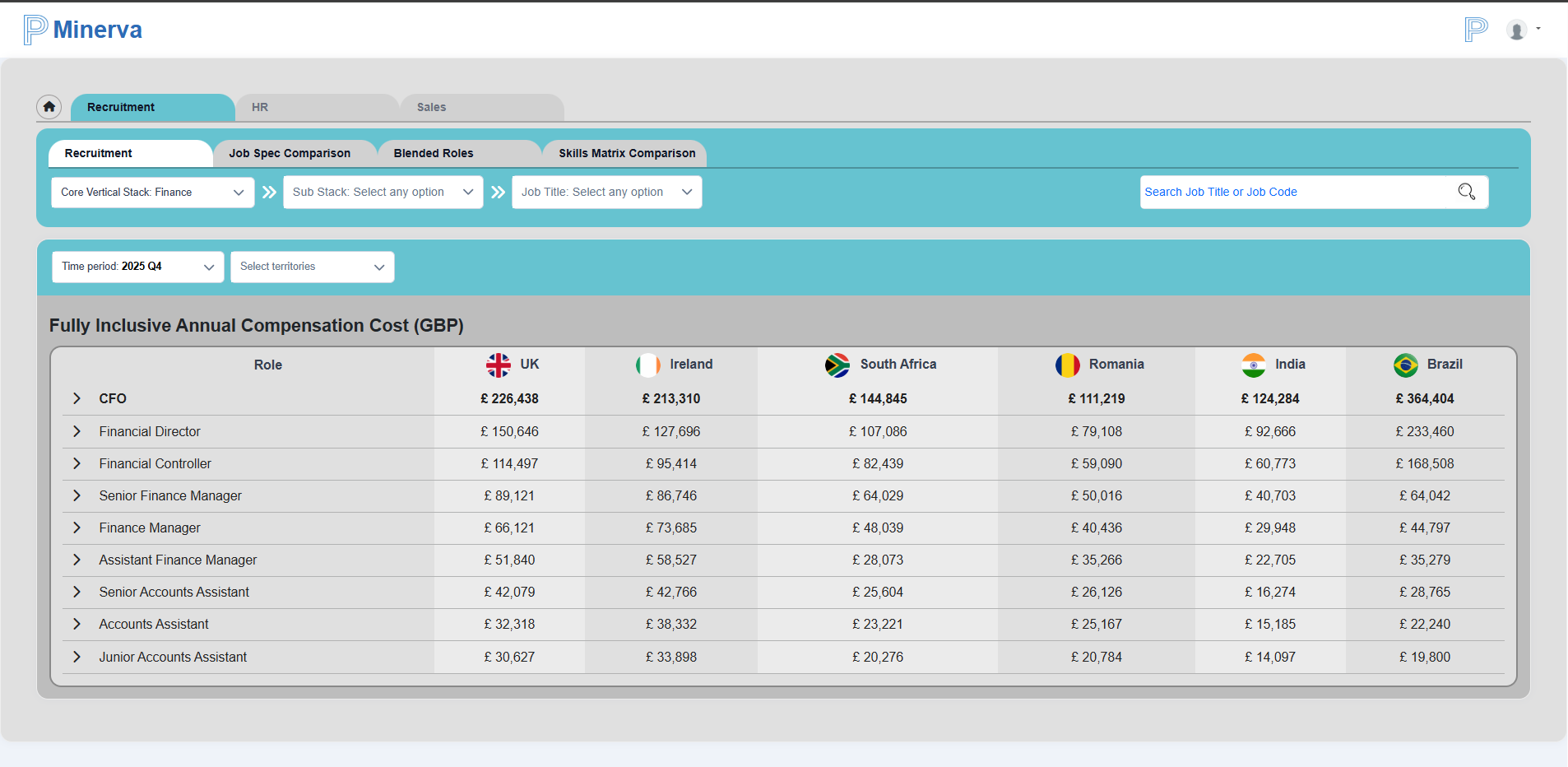
The Recruitment tab opens the main view with all core jobs for the selected vertical stack.
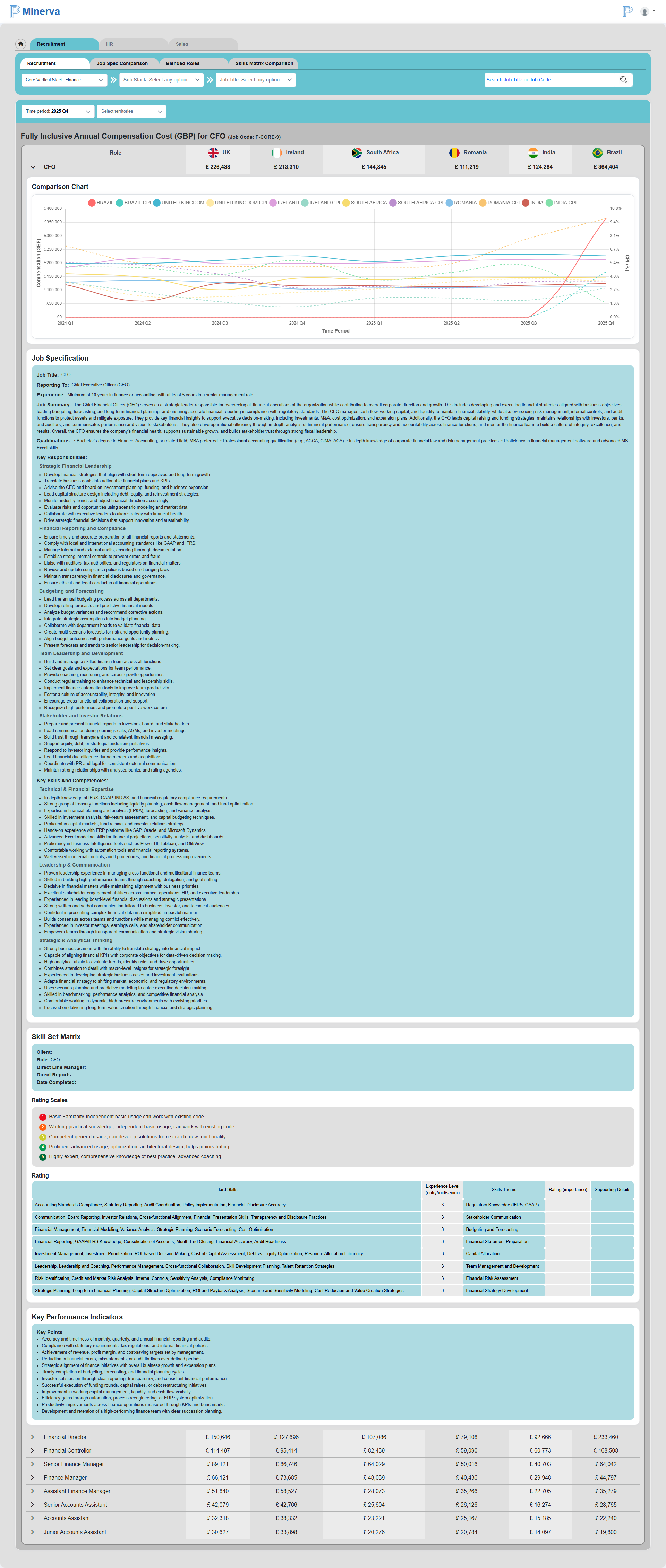
Each job row can be expanded to view the cost comparison graph and related details, including:
- Annual compensation in GBP
- Time period
- CPI
- Job specification
- Skill set matrix
- Key performance indicators (KPIs)
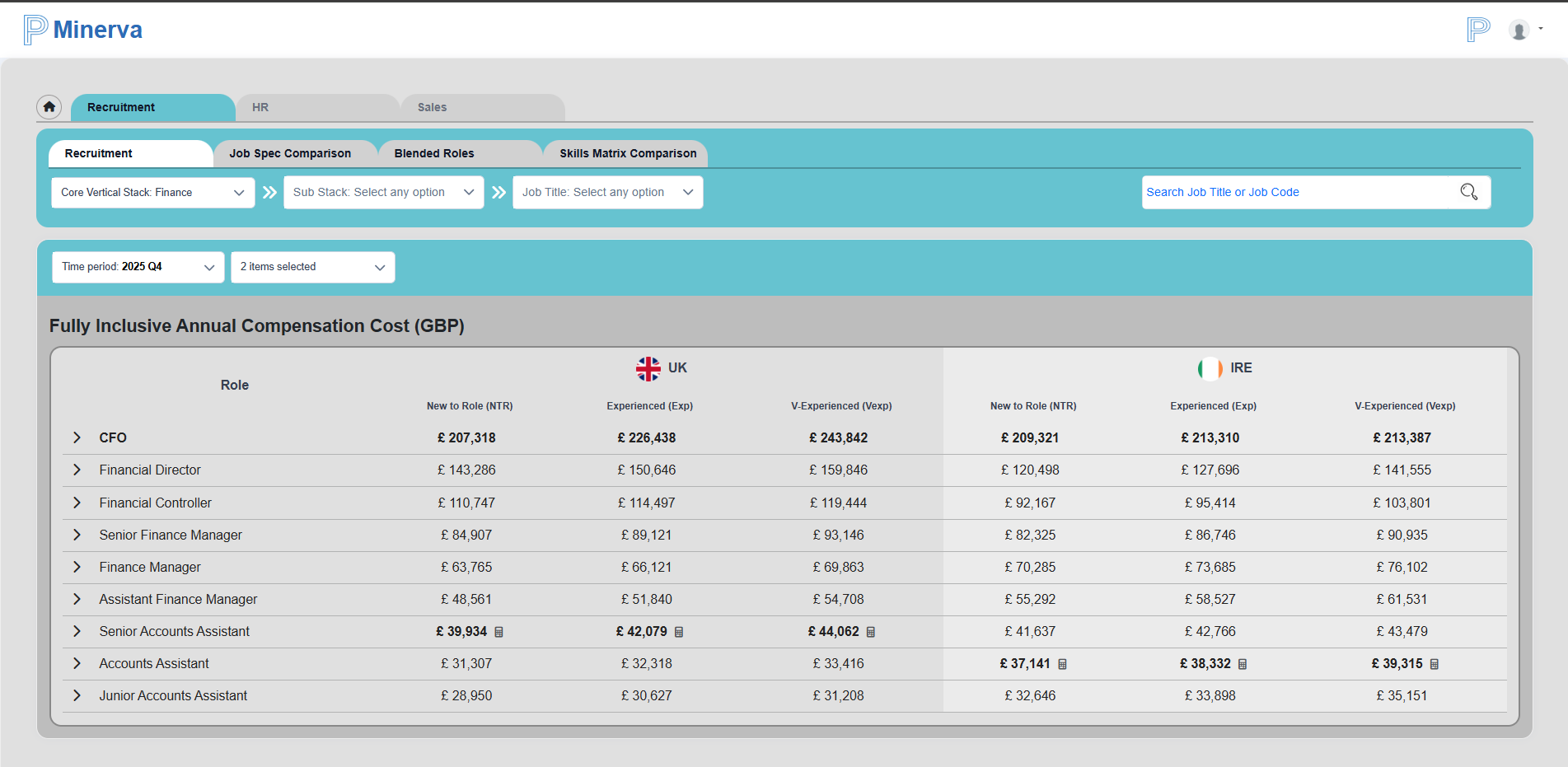
You can filter recruitment data by up to two territories.
Selecting a job from the table (or from the vertical stack/sub-stack/job title selectors) opens the single job page.
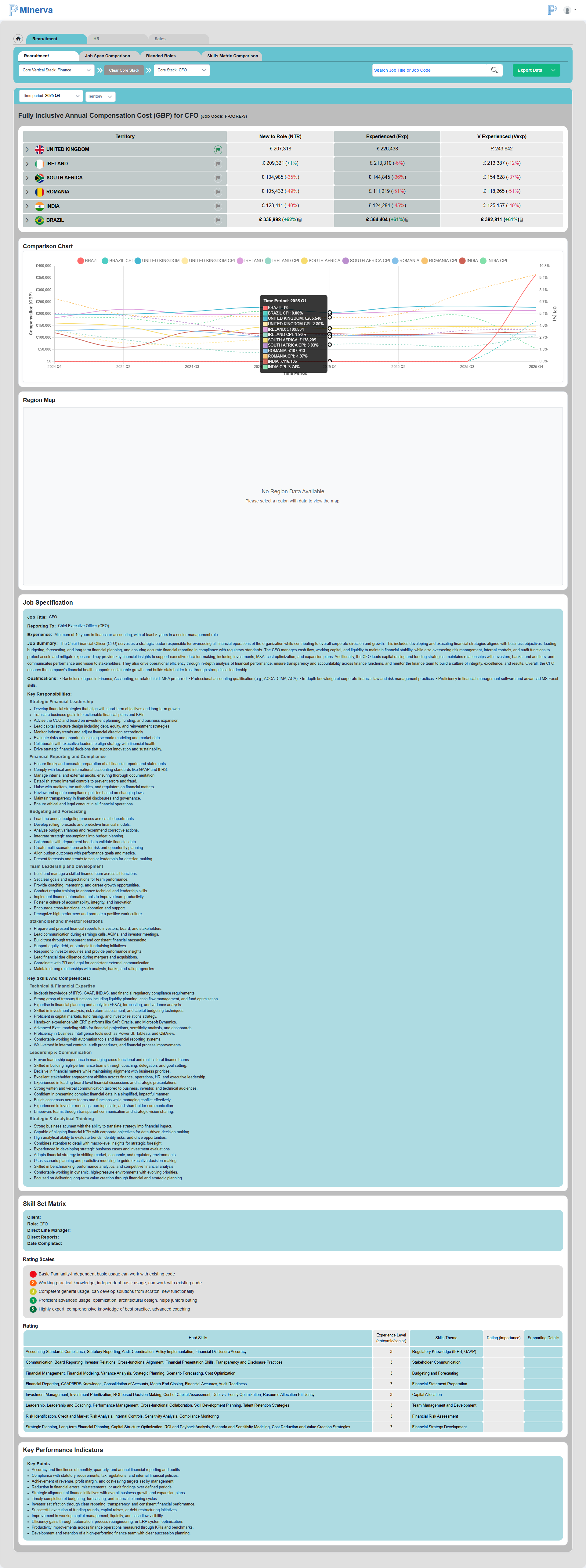
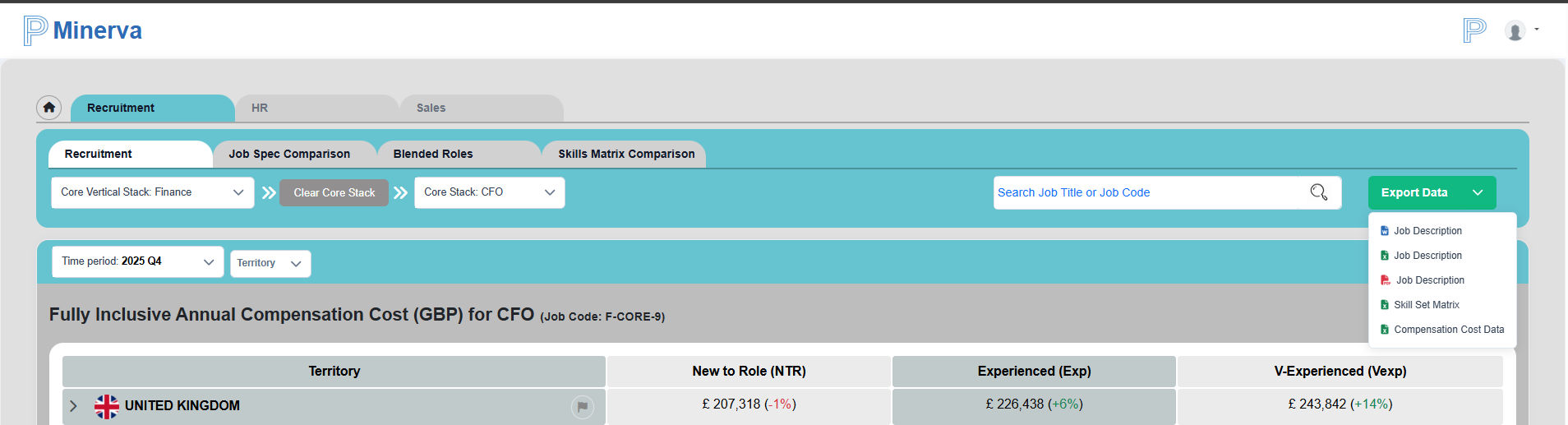
From the single job page, you can:
- Export data
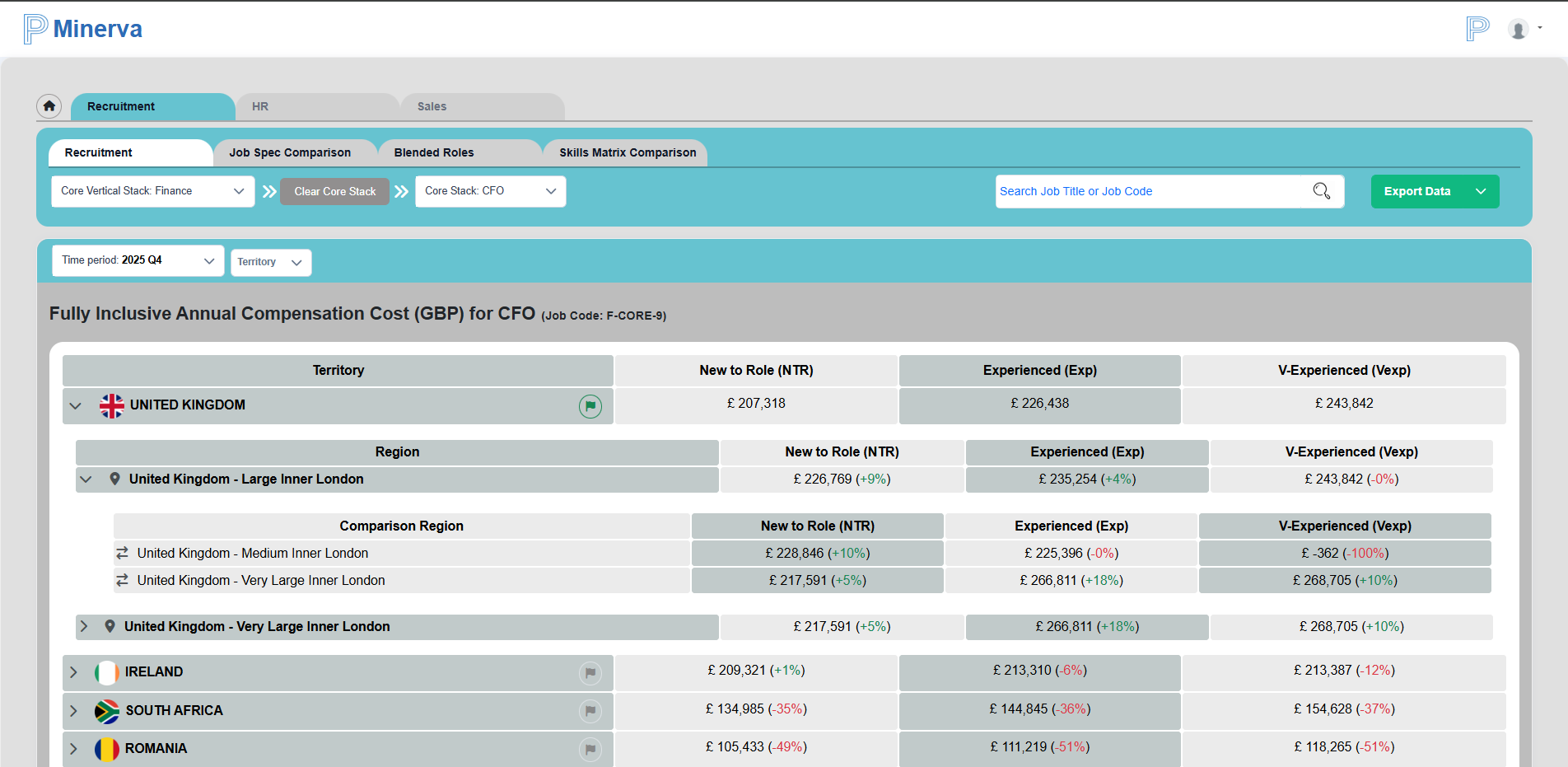
- Compare territories and regions
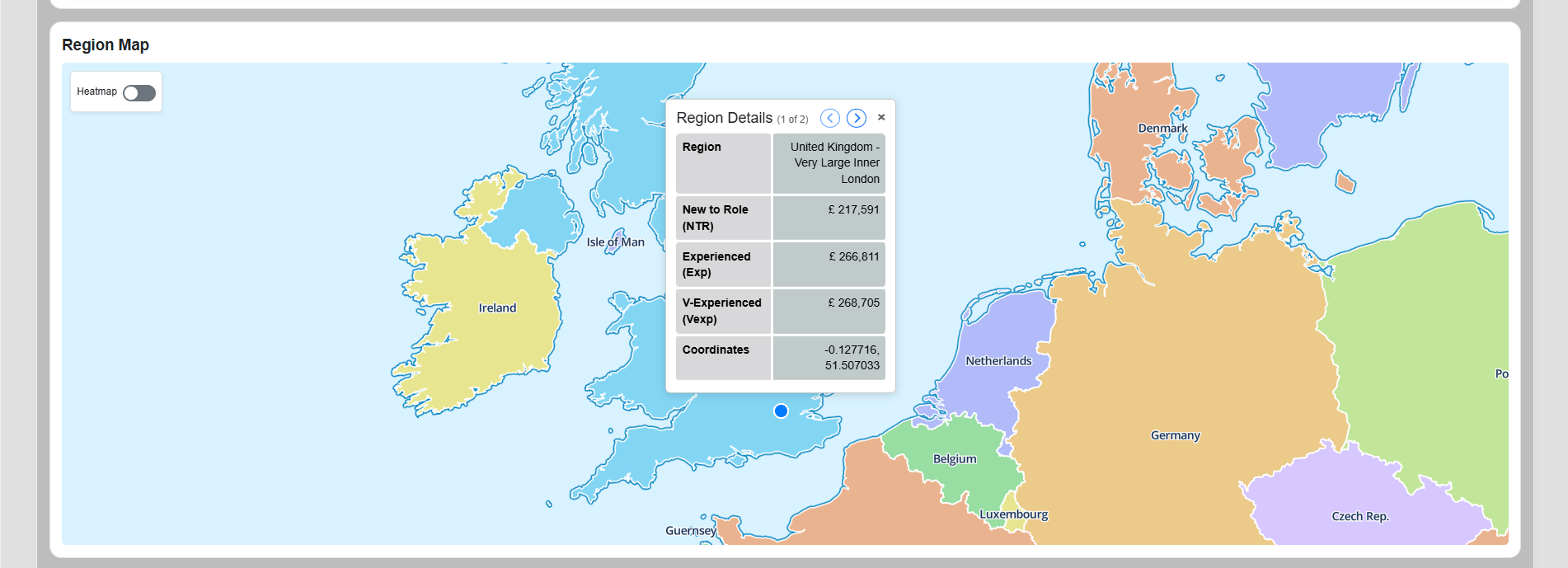
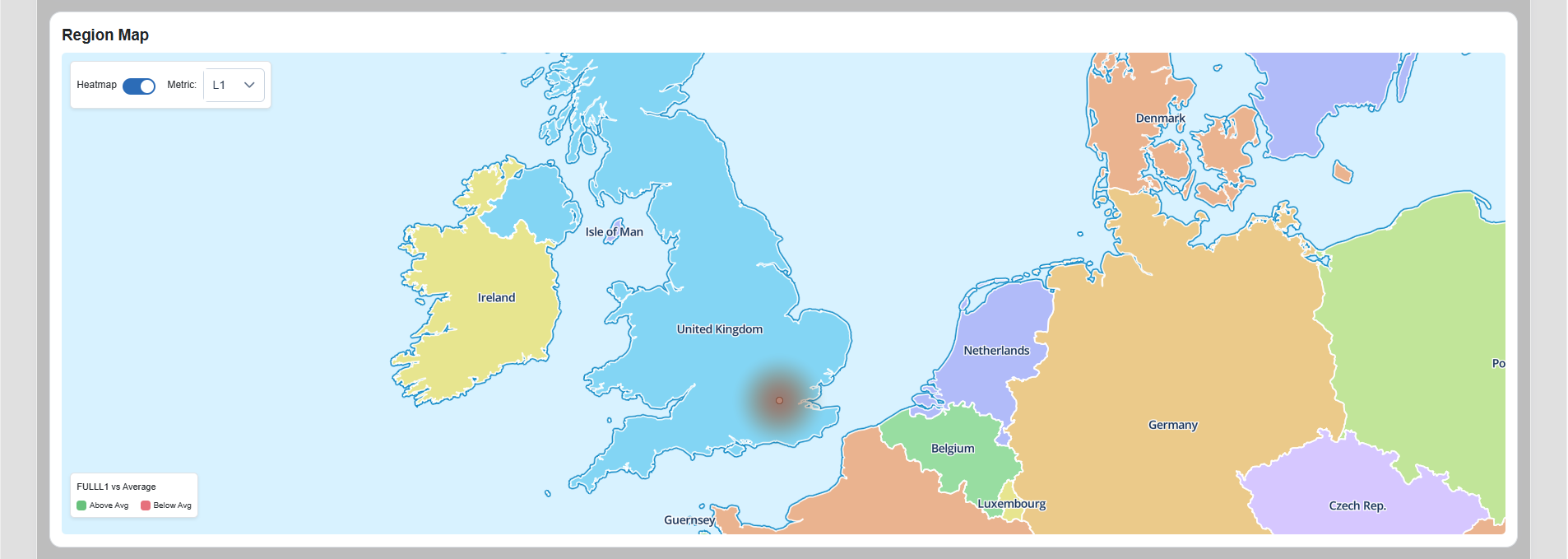
- Switch between region map and heatmap views
- Change base comparison using the flag selector
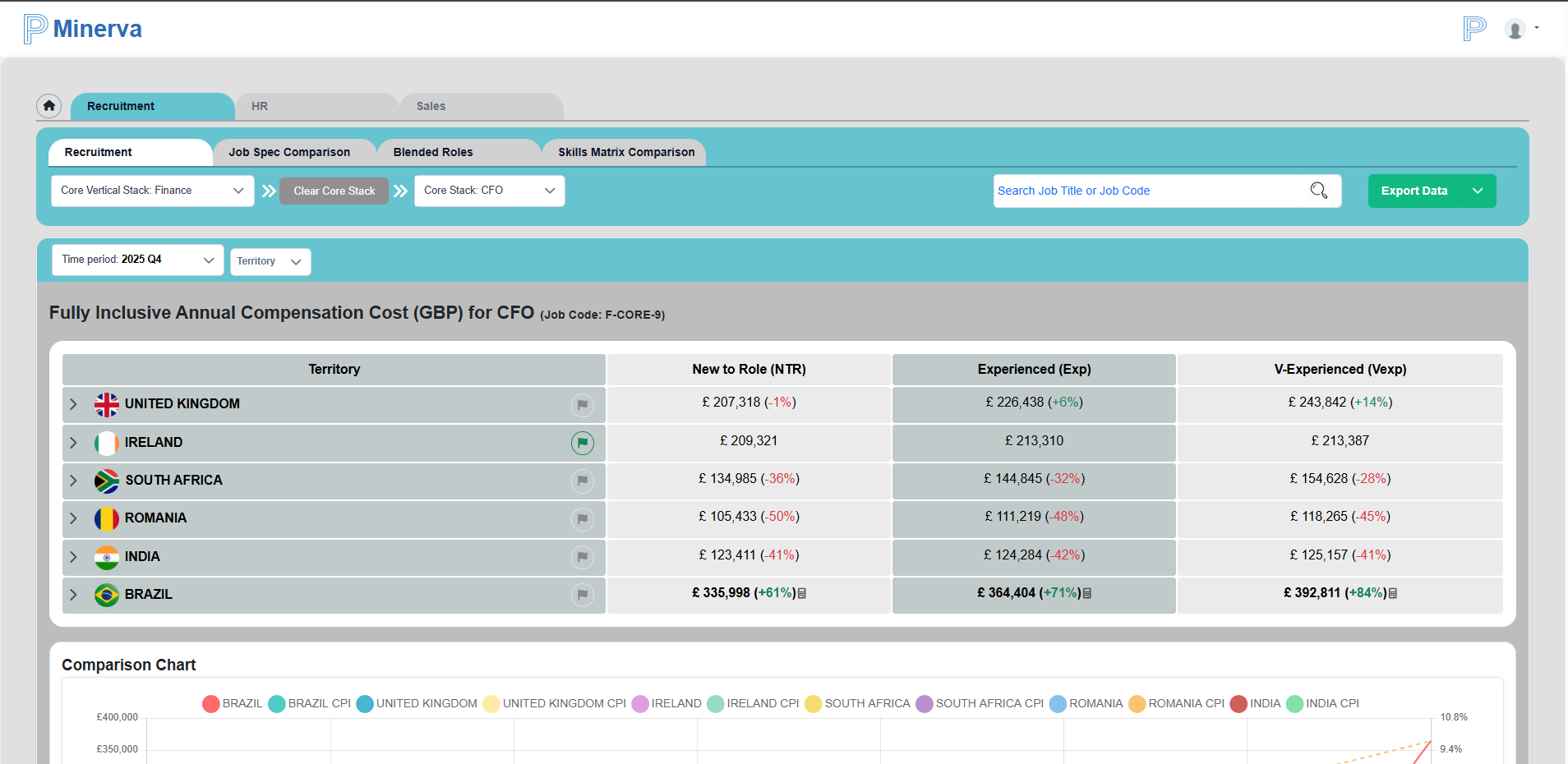
The green flag indicates the currently selected base comparison territory.
The calculator icon indicates synthetic data. Hovering on it shows the rule used for that calculation.
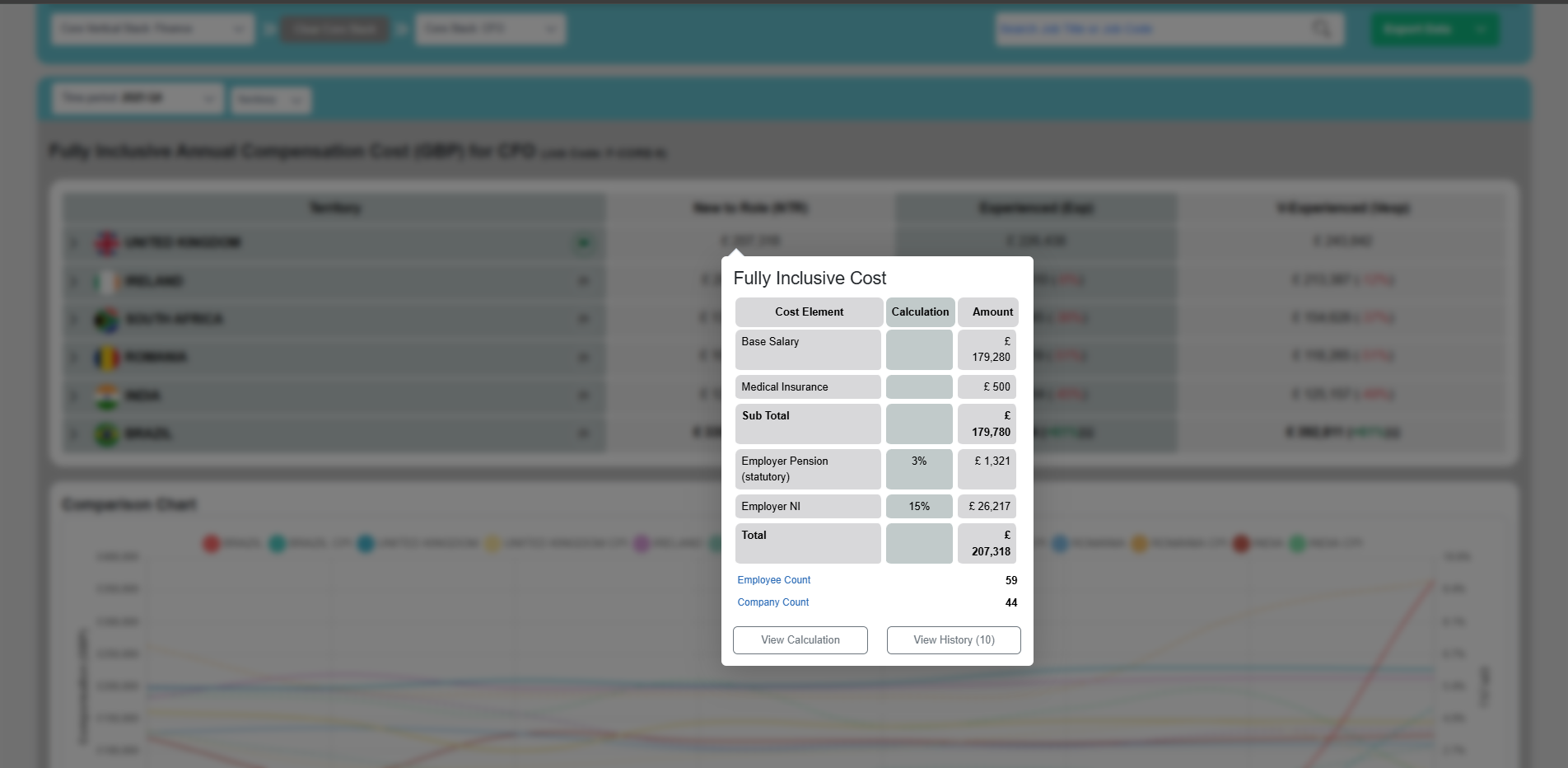
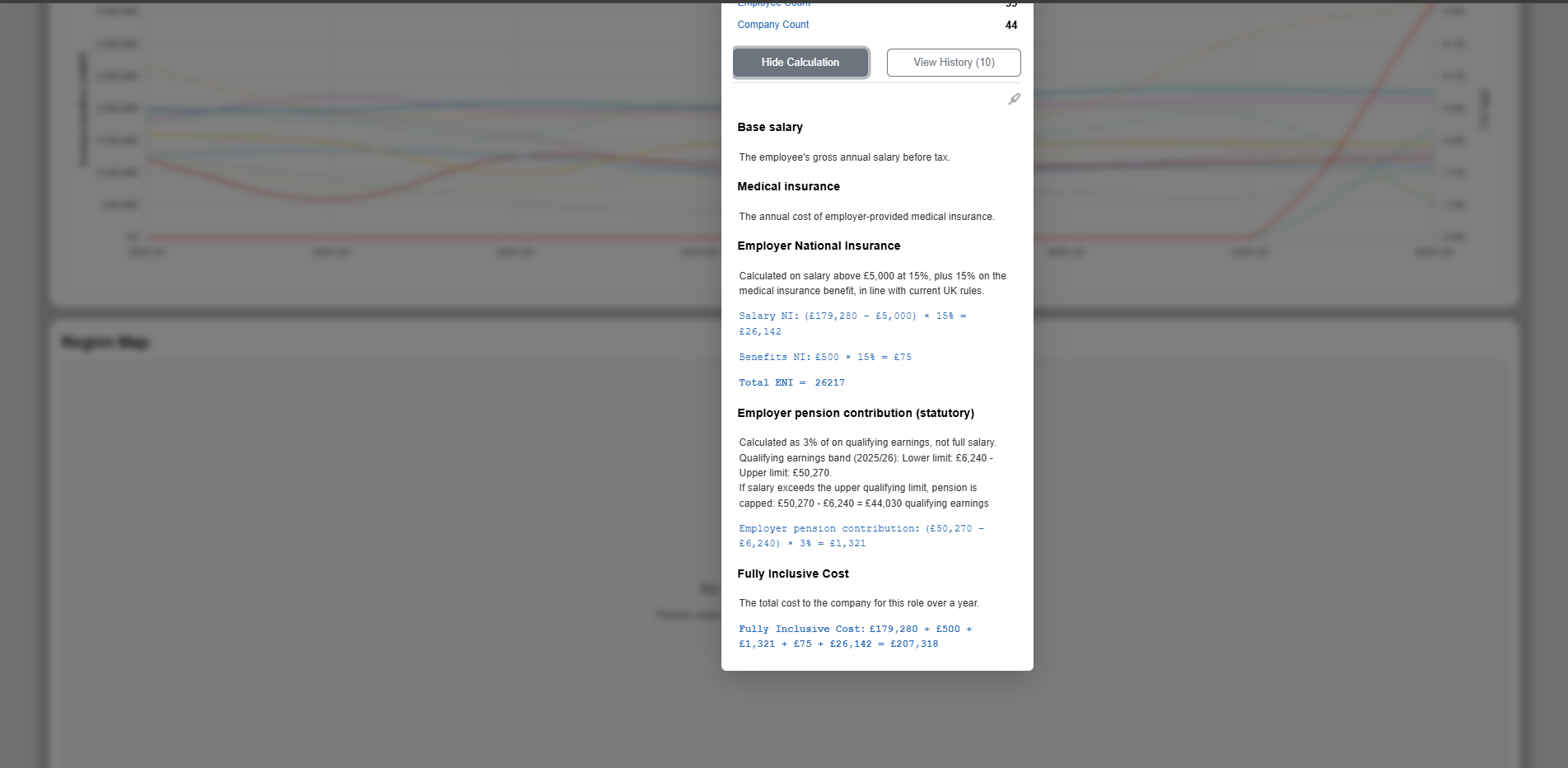
You can open calculation details and then drill down to a detailed breakdown.
Job Spec Comparison
The Job Spec Comparison tab shows an AI-generated summary by default for:
- The selected role
- One role above it
- One role below it
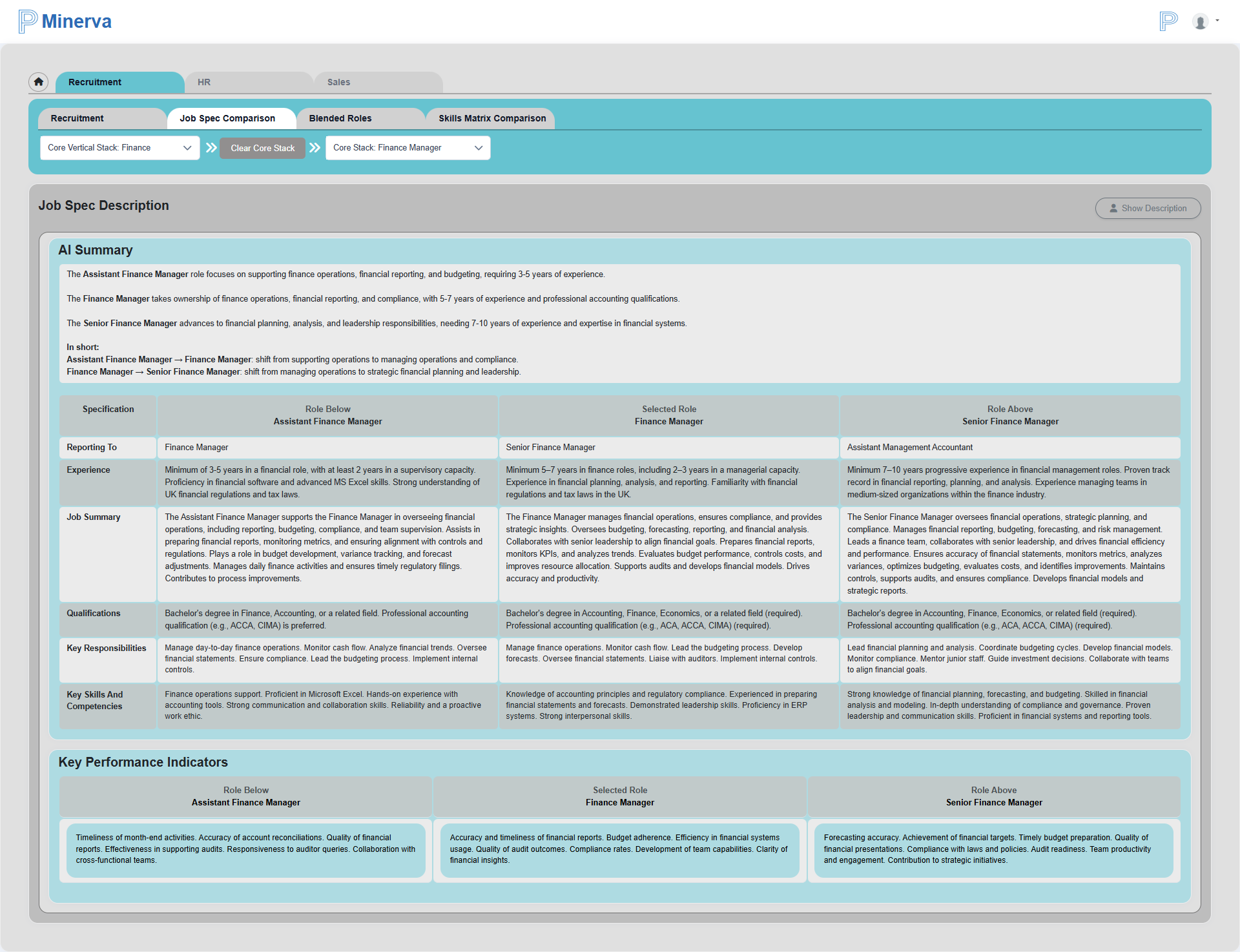
Use Show Description to open the detailed comparison view.
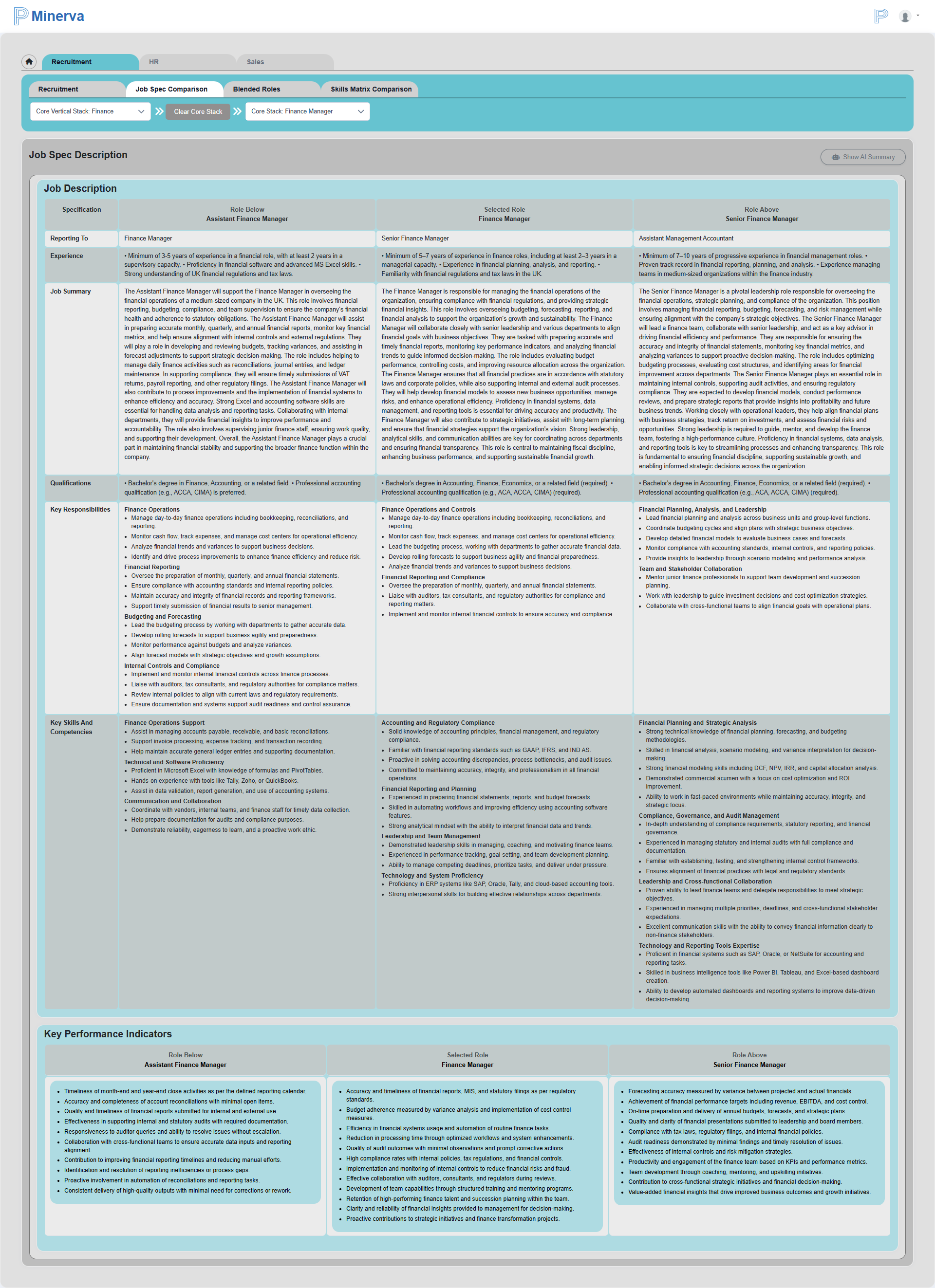
You can also change the vertical stack, sub-stack, and job title from this tab.
Blended Role
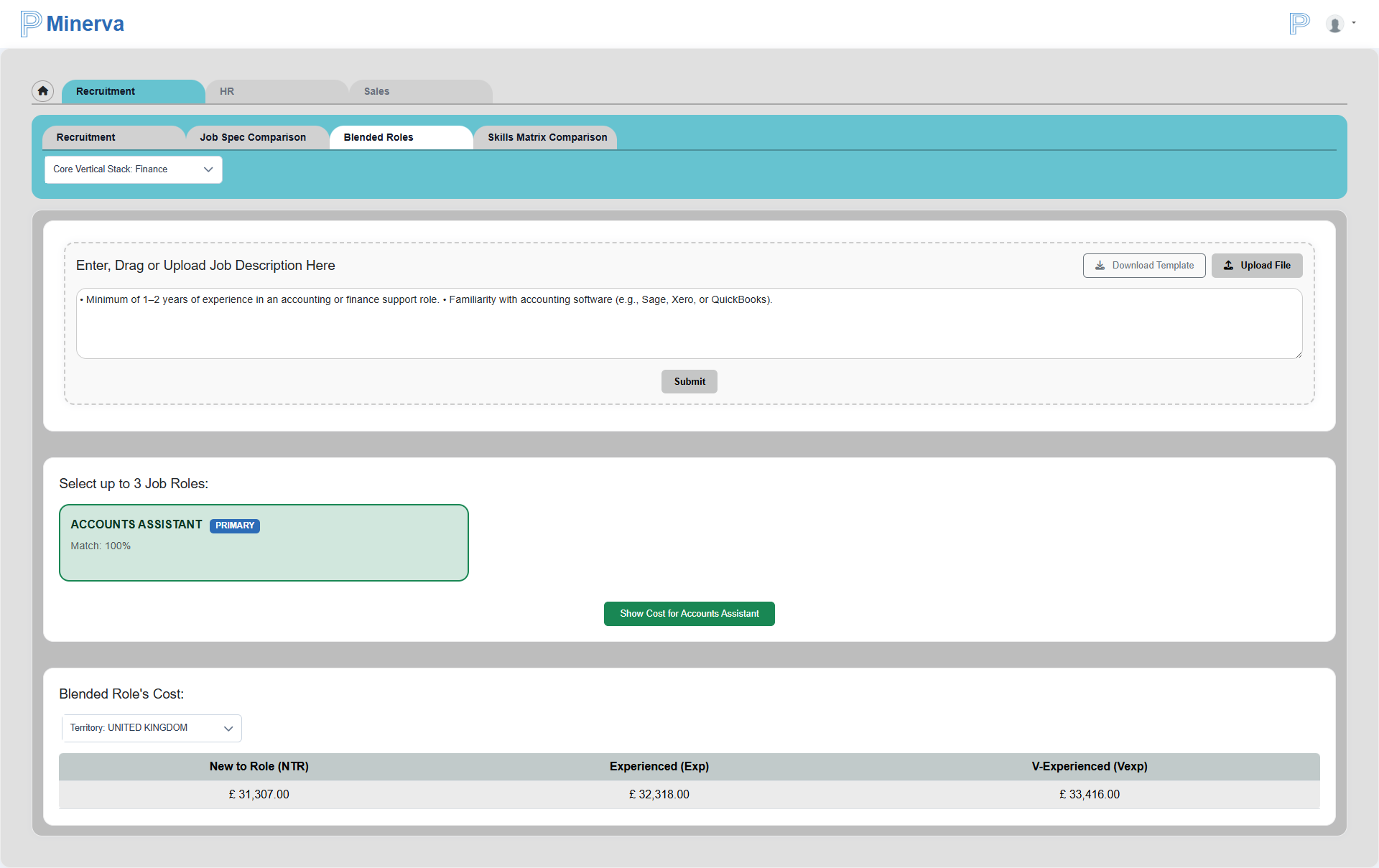
The Blended Role tab allows two input methods:
- Upload a file
- Copy/paste job details
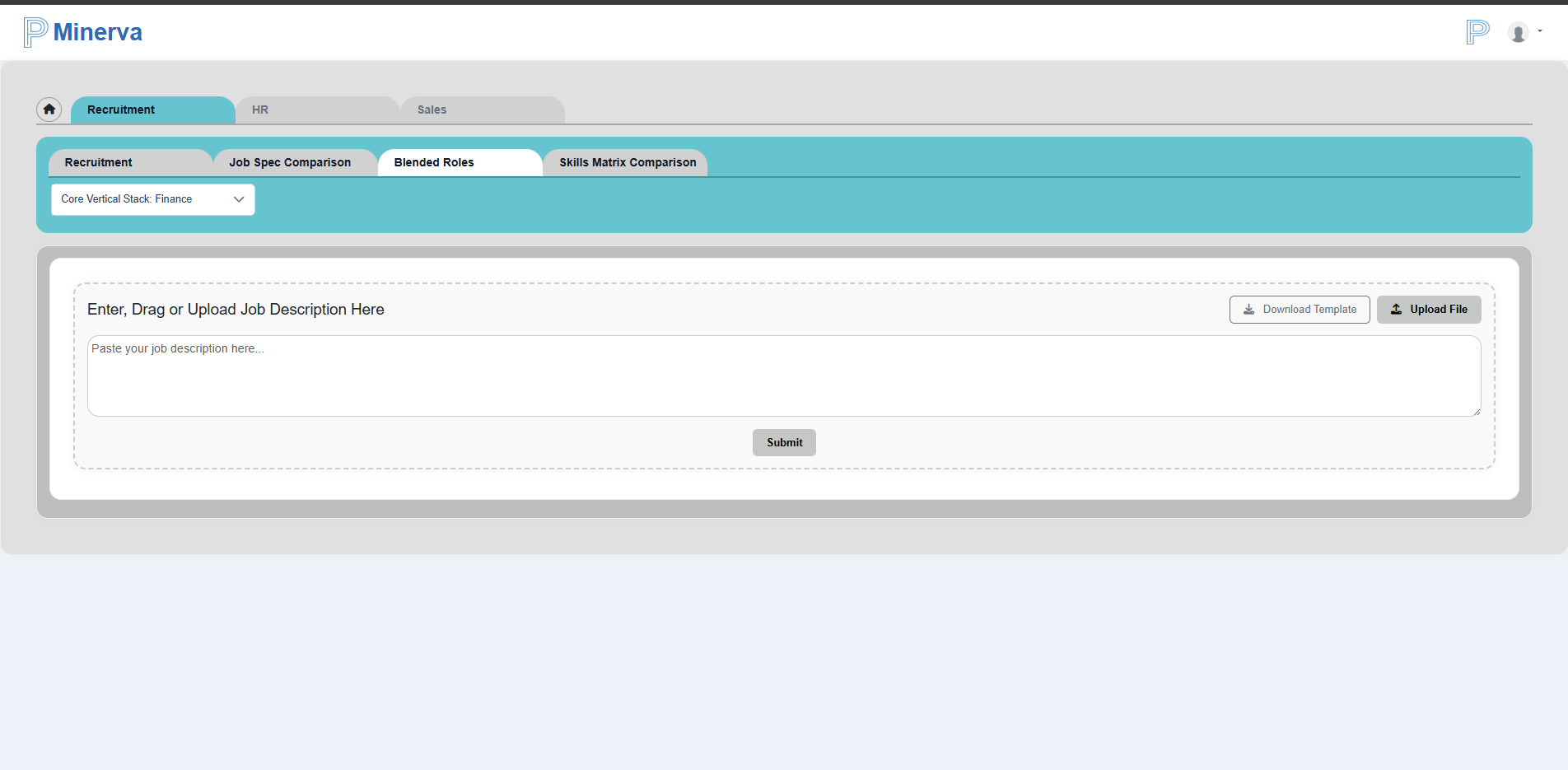
The system uses AI and current platform data to return:
- One primary role match
- Additional secondary matches (if available)
- Match percentage for each role
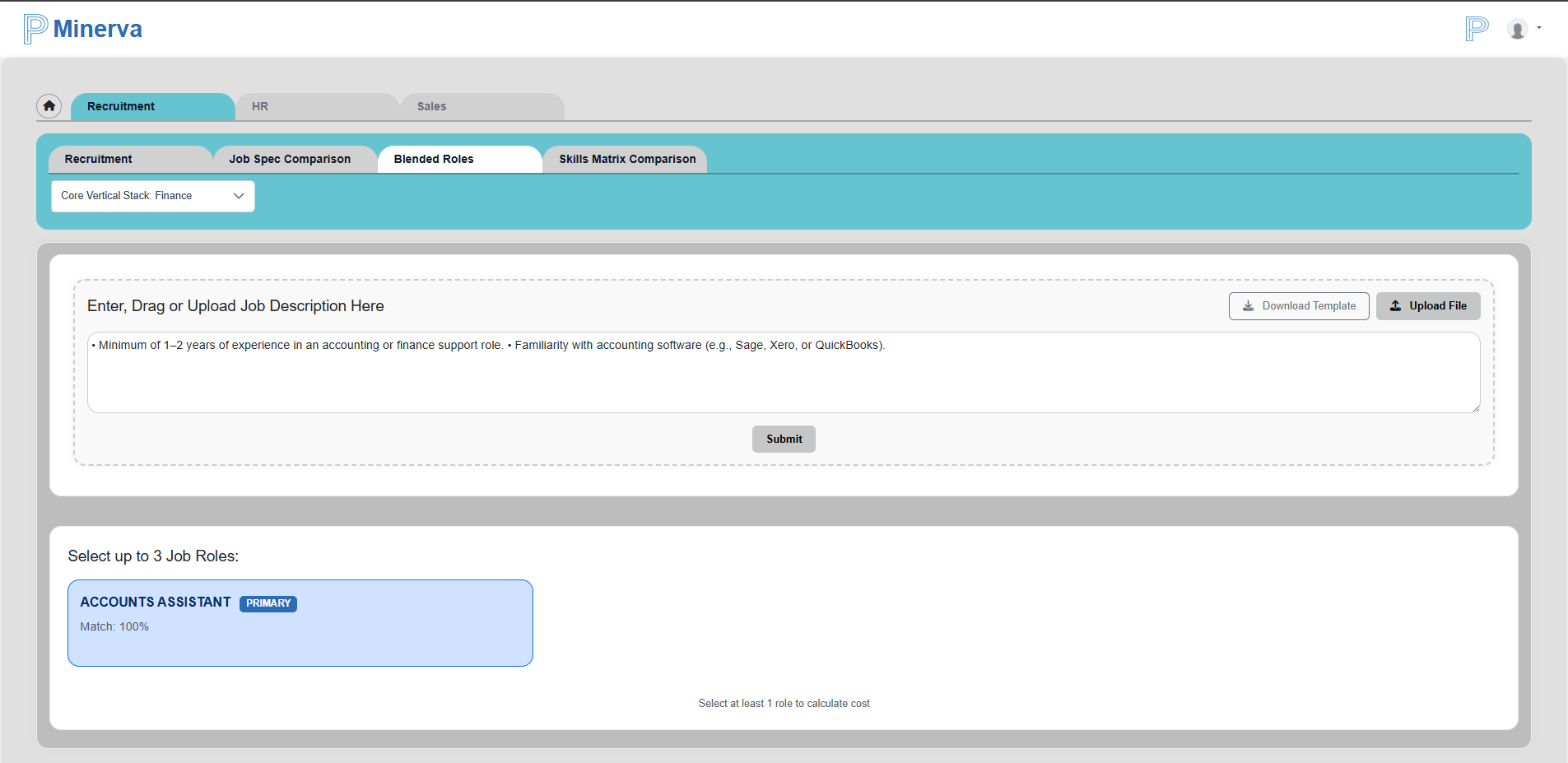
You can select up to three roles to estimate expected rates by category based on the blended percentages.
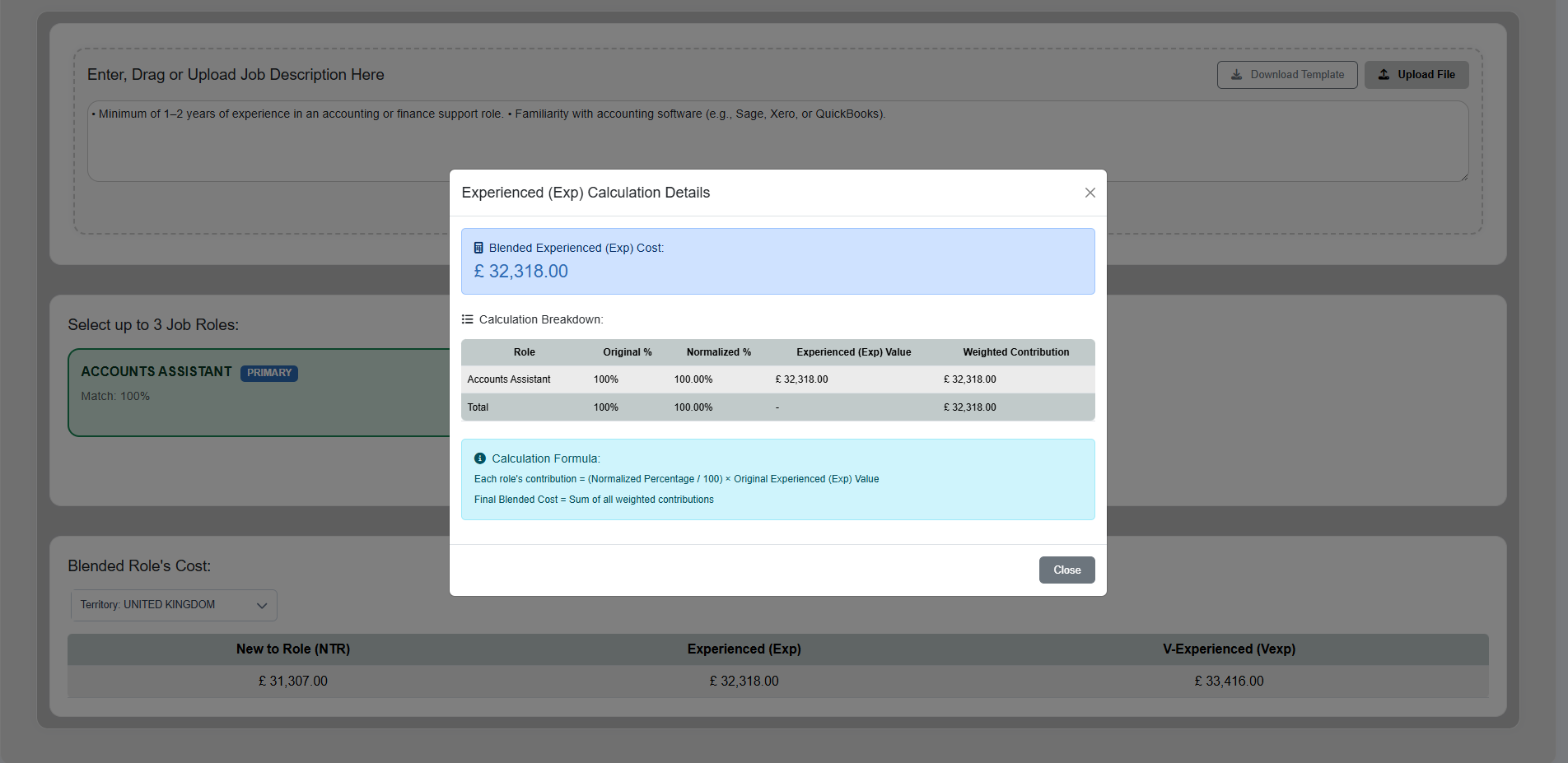
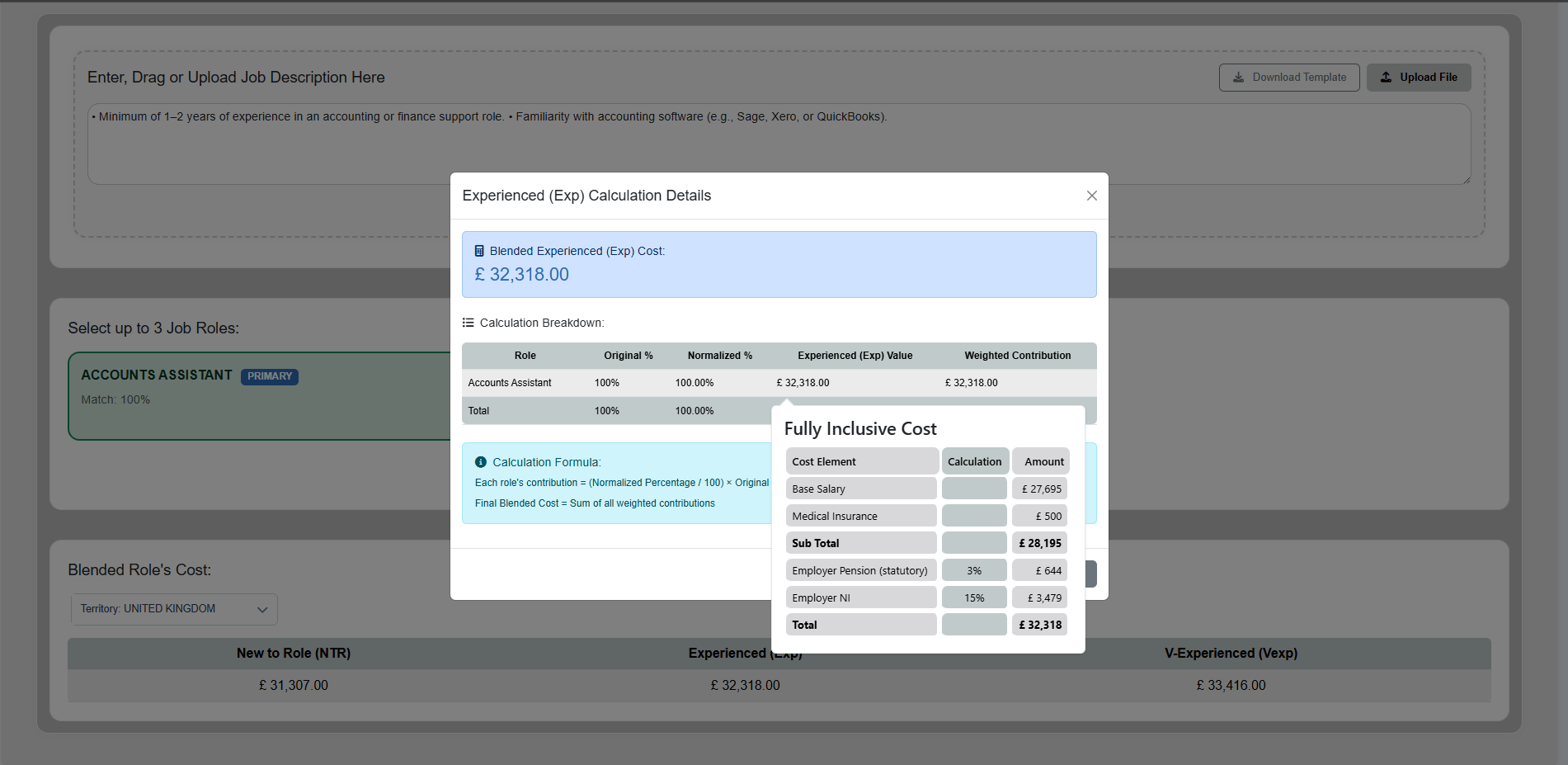
Clicking data values opens a dialog with calculation details, and you can drill down further into breakdown values.
Skill Matrix Comparison
In Skill Matrix Comparison, you can select:
- Up to 3 vertical stacks
- Any number of sub-stacks
- Up to 5 job titles
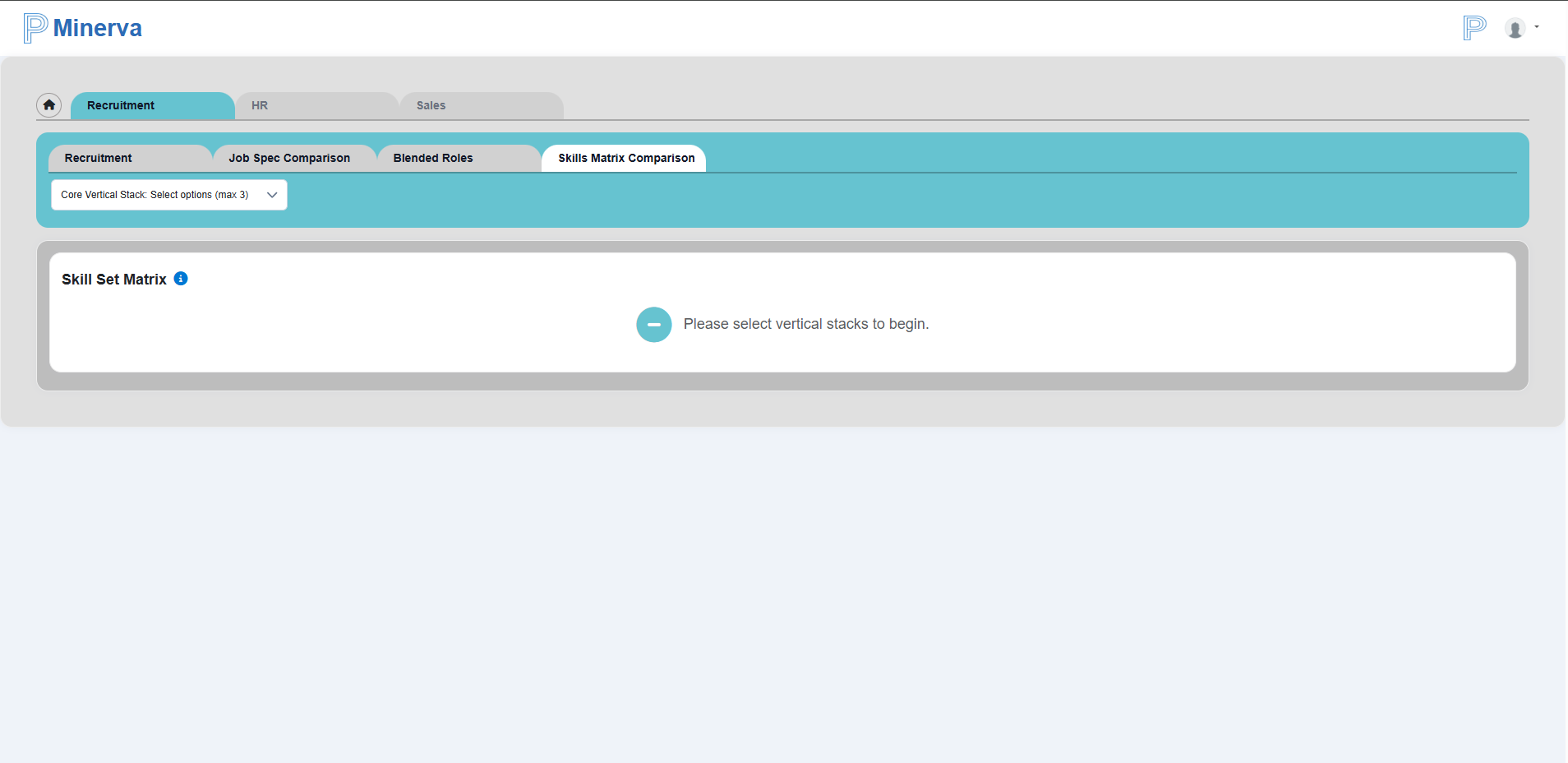
The tab displays skill comparison across selected roles and supports export.
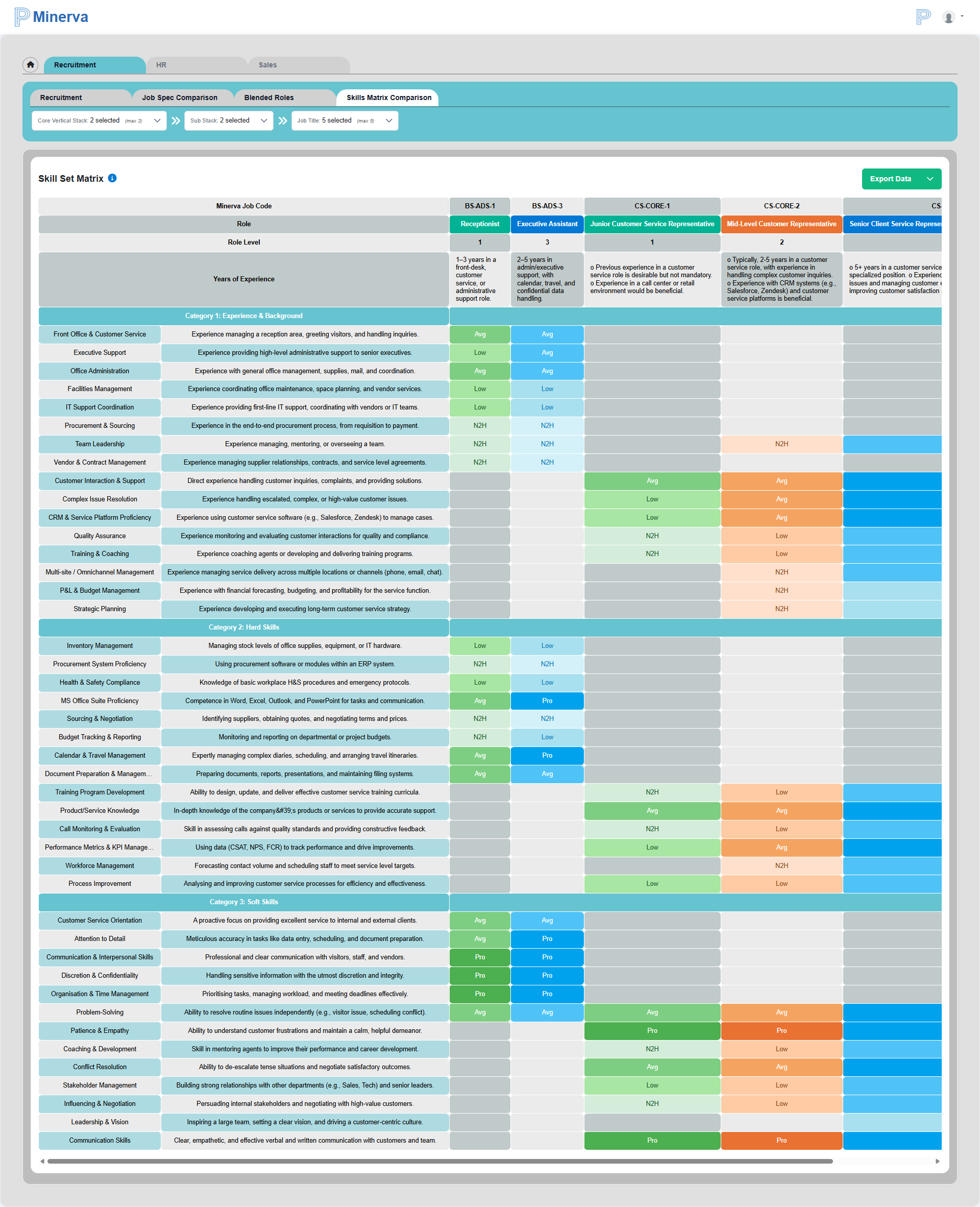

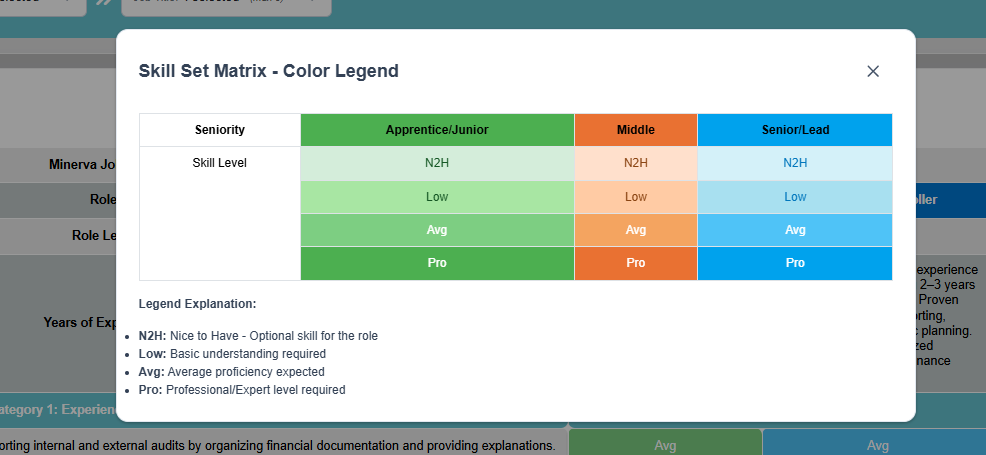
Use the info icon to view the legend and color coding.