Welcome to Minerva
Minerva is a role-based workforce cost and job intelligence platform. It helps users compare hiring costs, role structures, and compensation data by career stack, territory, and level.
This documentation covers the main product flows and module-specific features available in the current application.
Login
When users open Minerva, authentication starts with Potentiam Microsoft 365 SSO.
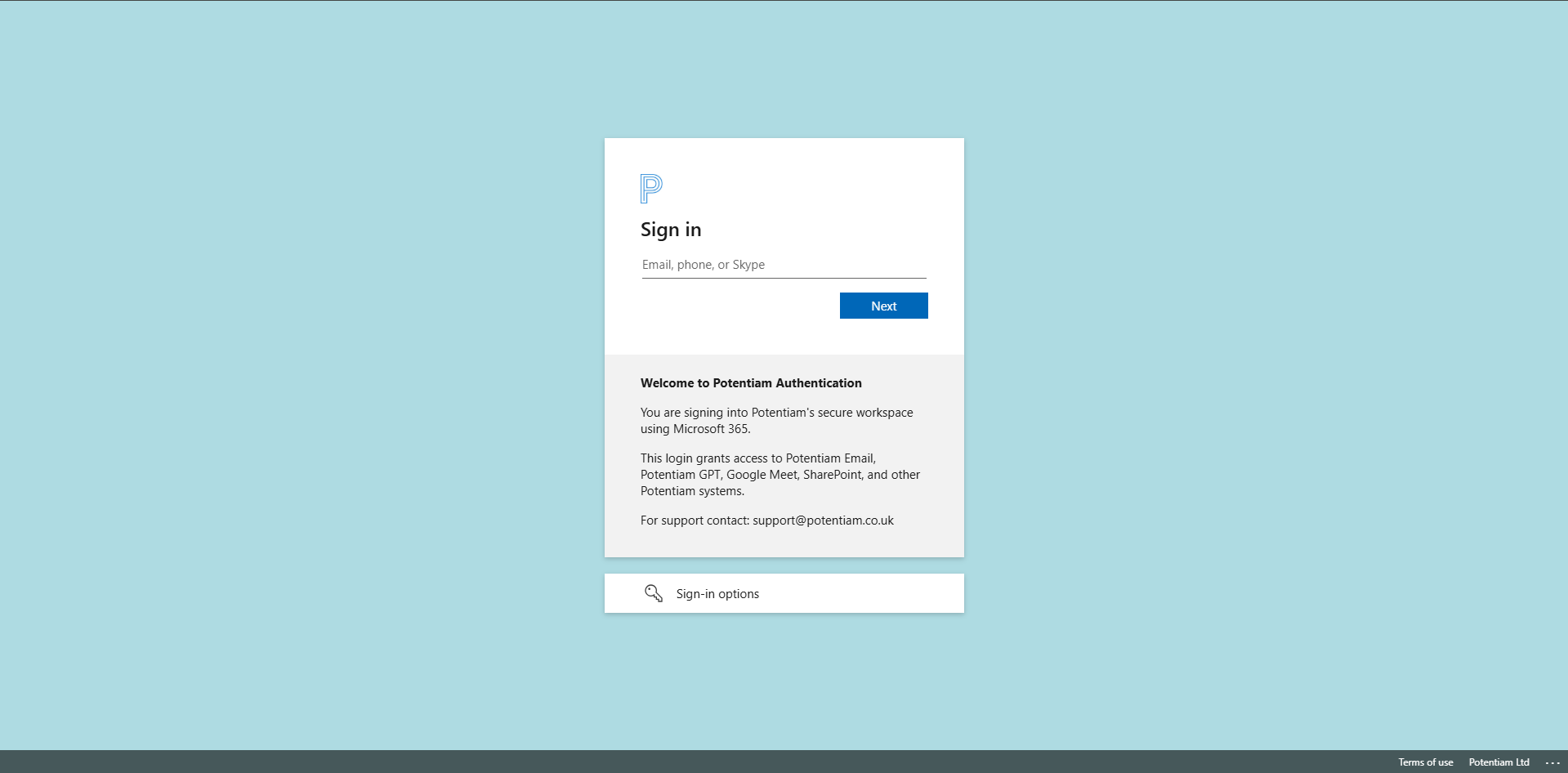
If SSO succeeds, users are redirected to Minerva. If SSO does not complete, Minerva shows a fallback screen.
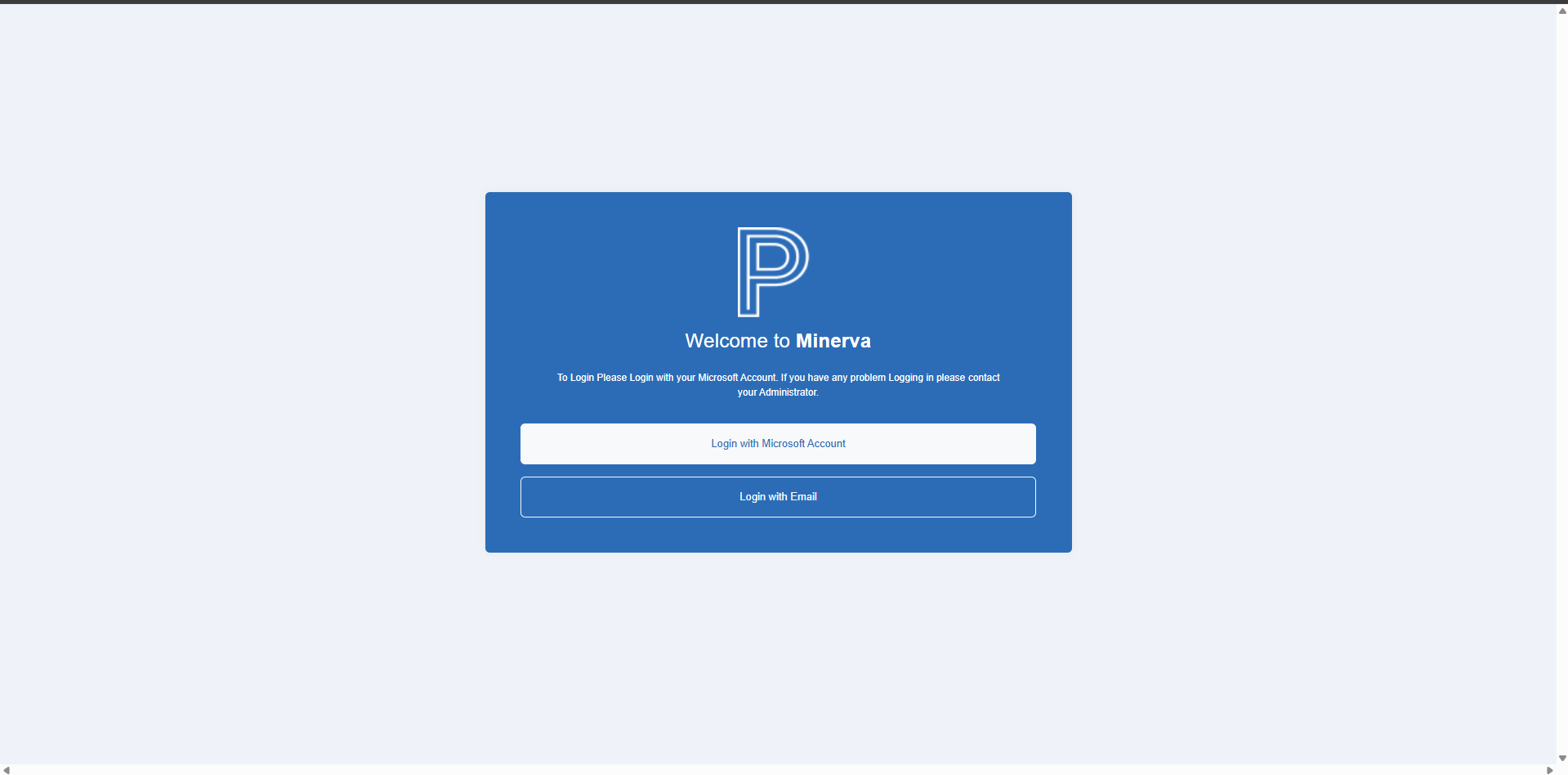
From the fallback screen, users can select Login with Email to continue with the application login form.
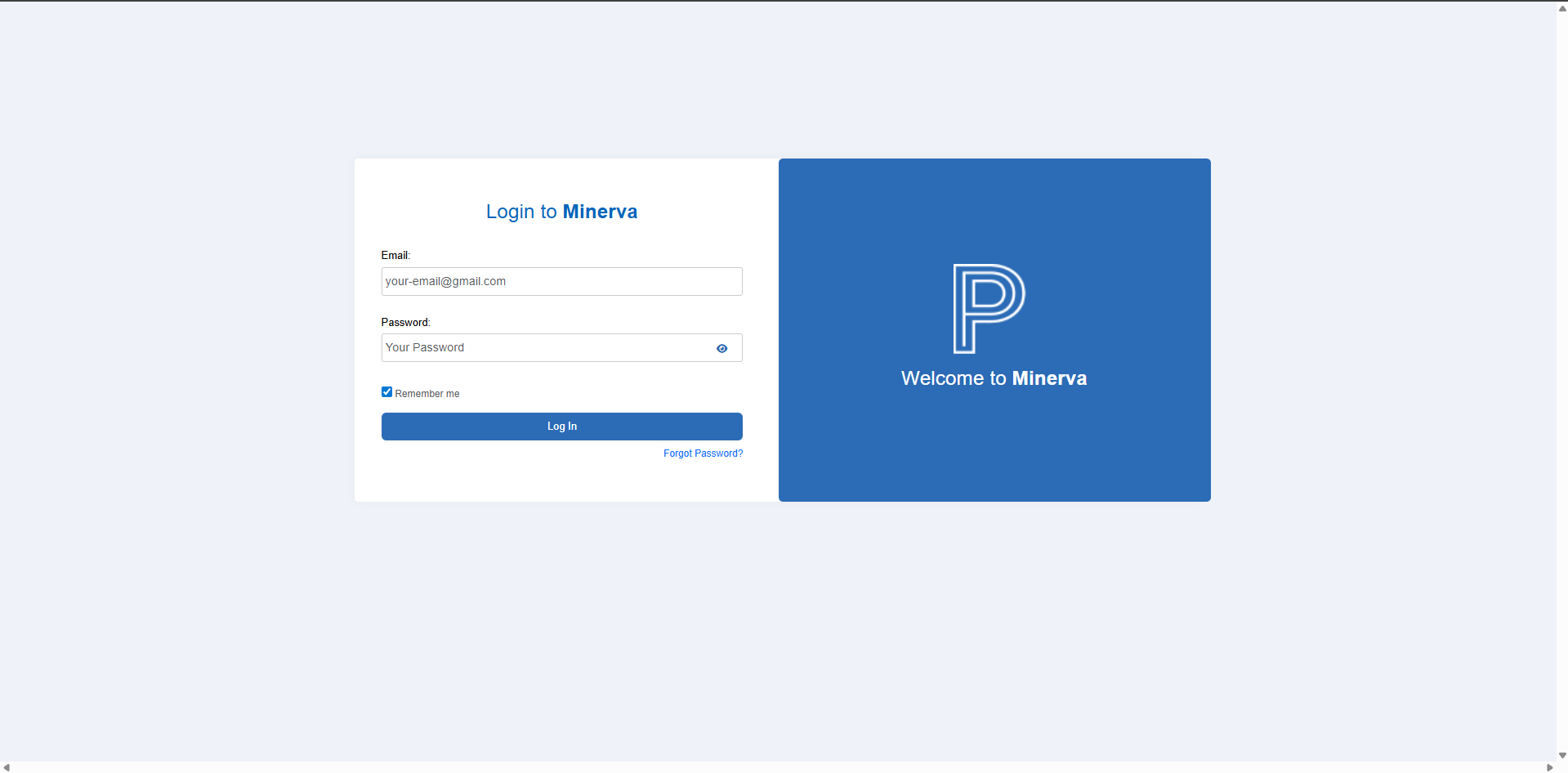
After entering credentials, Minerva sends a 6-digit verification code.
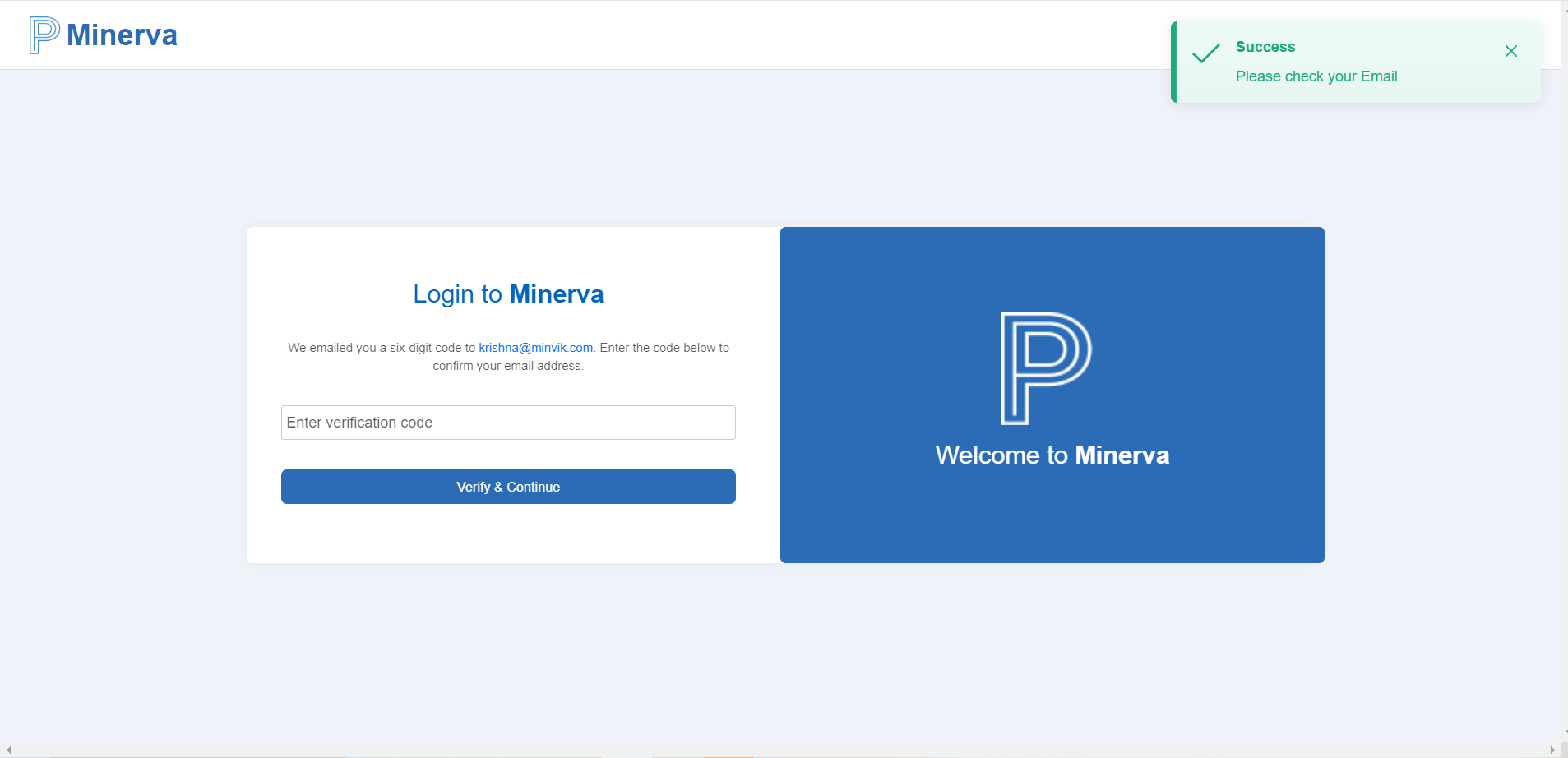
Once the code is validated, users are redirected to the dashboard.
Password Recovery
Users who cannot access their account can use Forgot password from the application login flow.
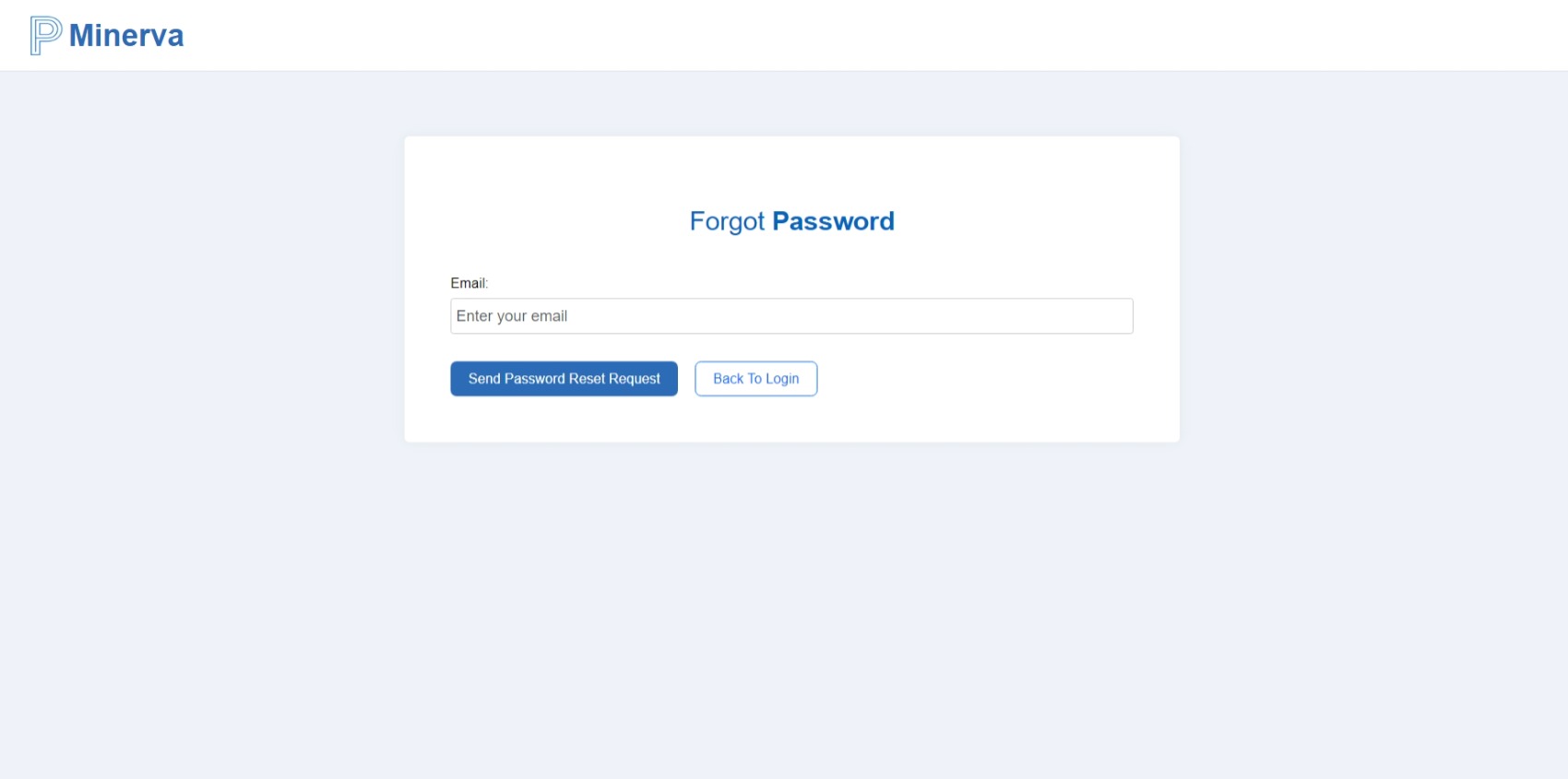
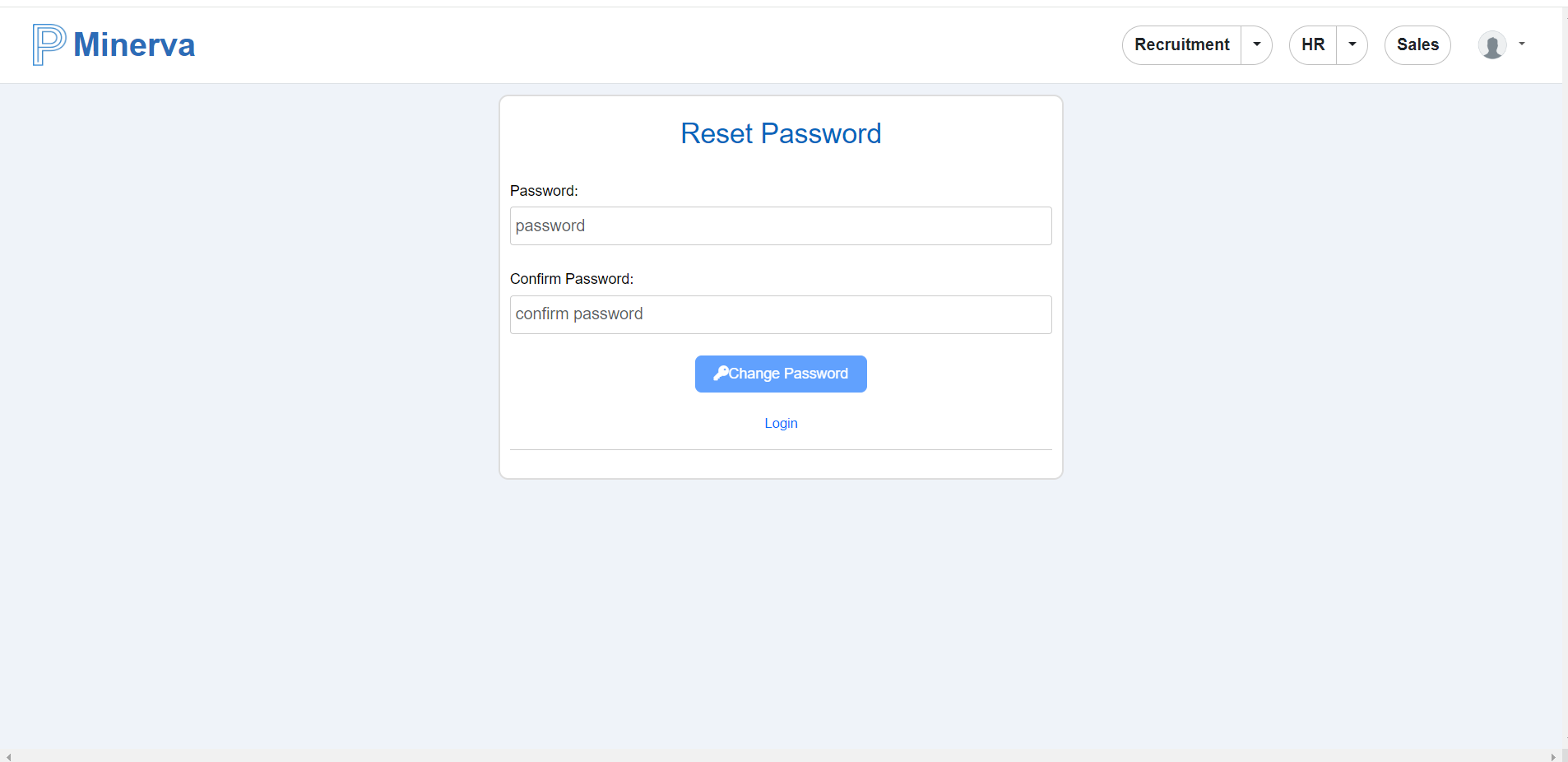
Enter the registered email address and submit the reset request. A password reset link is sent to that email. Opening the link takes the user to the reset page, where a new password can be set.
Dashboard
After sign-in, Minerva displays the dashboard.
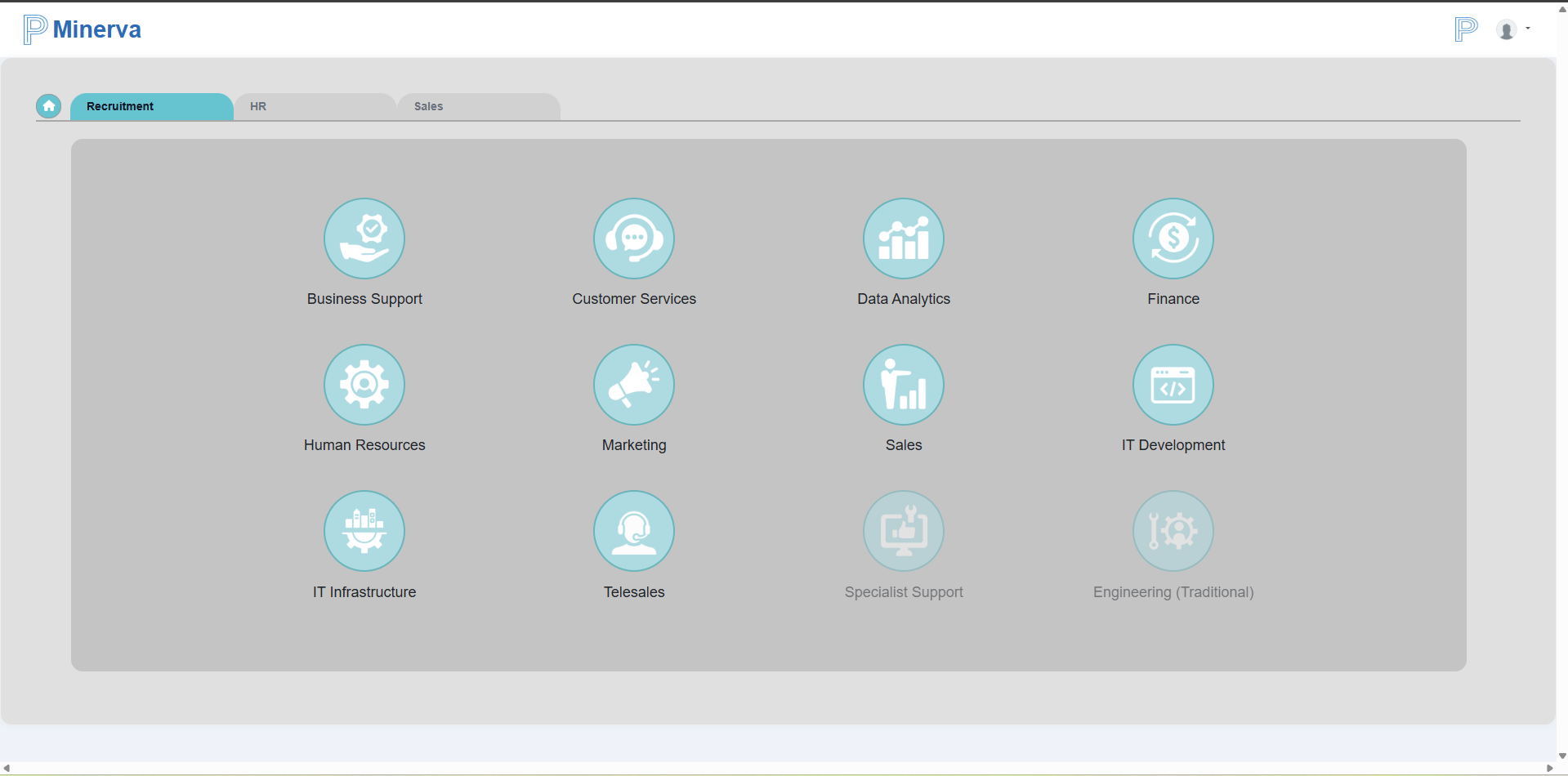
The top navigation gives access to product modules, based on user permissions:
- Recruitment
- HR
- Sales
Each module works with the same core career stacks:
- Business Support
- Customer Services
- Data Analytics
- Finance
- Human Resources
- Marketing
- Sales
- Specialist Support
- Engineering (Traditional)
- IT Development
- IT Infrastructure
Across the modules, users can analyze role-level data for the following territories:
- South Africa
- United Kingdom
- India
- Romania
- Ireland
- Brazil
Selecting the Minerva logo returns users to the dashboard home.